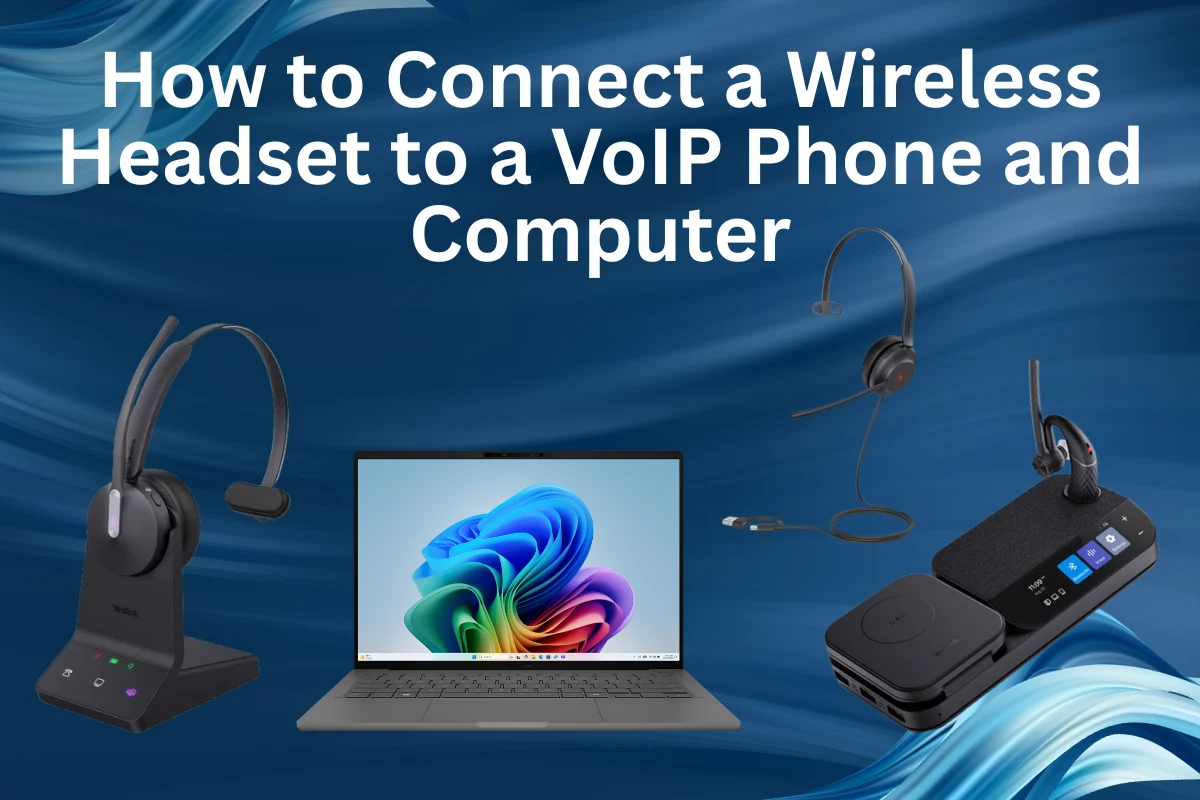
How to Connect a Wireless Headset to a VoIP Phone and Computer
Contents
Ever thought about connecting one headset for multiple tasks and devices, and the question of how to use and connect a wireless headset to a VoIP phone with both your VoIP phone and your computer, without shifting cables or devices? Well, you are not alone in this. As hybrid work becomes the new norm, professionals need stress-free communication, whether they’re on a desk phone, softphone app, or video meeting.
Looking to simplify your setup and enjoy hands-free communication?
Get a wireless headset for your VoIP phone easily from Spogmey.shop — the leading US dealer for DECT and Bluetooth headsets, offering the latest models for flawless performance.
Why Connect a Wireless Headset to Both Devices?
If you are using your VoIP phone only for your client calls and dealing, and on the other end, you use your computer for video meetings or CRM tasks only, having one headset that is connected or connects easily with both saves a lot of time, money, and frustration.
Now imagine this: you are on a Zoom call, your desk phone rings, and you switch right away, immediately, without touching a single wire. That’s exactly what dual connectivity offers: efficiency, freedom, and productivity.
Modern top-ranking headsets, such as Yealink WH66, Logitech, Grandstream, Snom, and Owl Labs, support parallel connections via DECT or Bluetooth. These technologies are the backbone of adaptable communication systems in modern office environments.
🔌 Two Main Ways to Connect Wireless Headsets
In order to connect a wireless headset to a VoIP phone or to have a smooth connection, it mostly depends on the type of headset you are using. Let’s break down the DECT Vs Bluetooth options.
1. DECT Headsets with Multi-Device Base Stations
DECT (Digital Enhanced Cordless Telecommunications) is designed for business use, offering extended range, secure calls, and stable audio.
How It Works:
Well, basically, DECT wireless VoIP headsets connect through a base station that mainly links to multiple devices:
- USB for your computer
- RJ9 or EHS cable for your VoIP phone
When a call comes in, pressing the call control button on the headset spontaneously detects the active device.
Example Setup:
- Headset: Yealink WH66 Dual Teams.
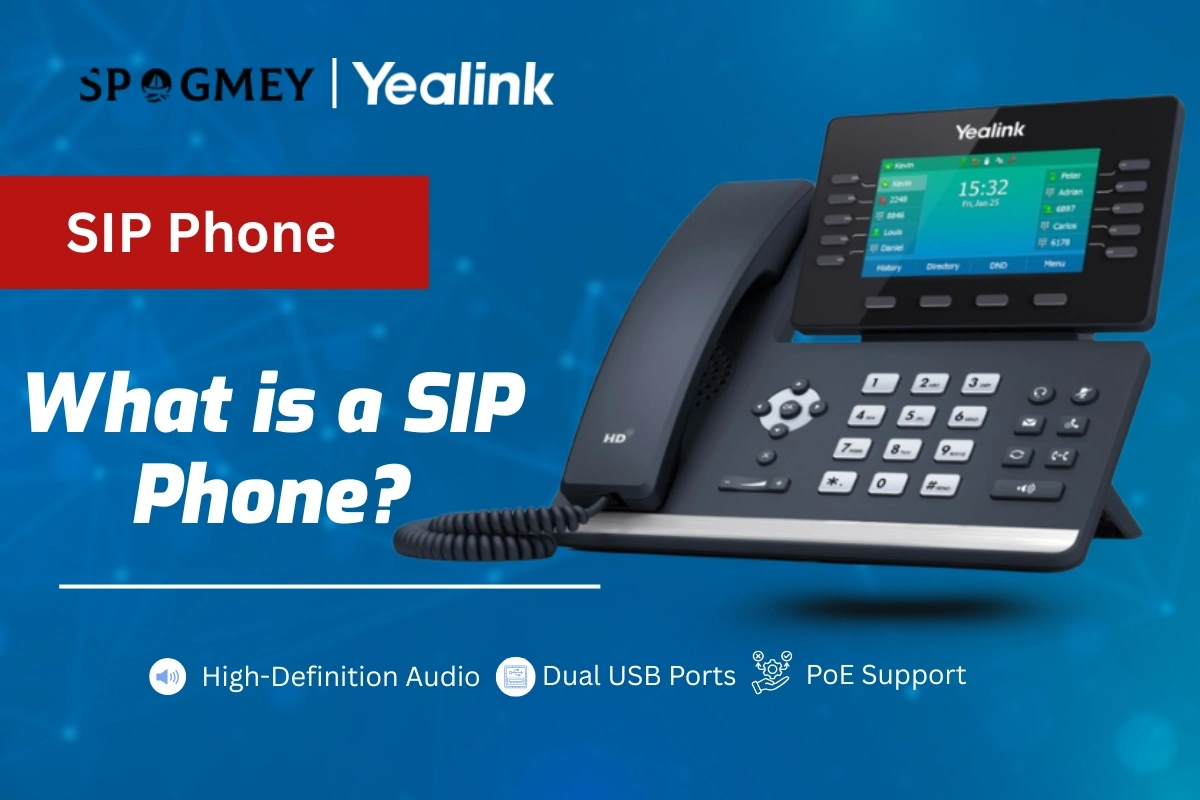
- VoIP Phone: Yealink SIP T554W.
- Connection: EHS cable for the phone, USB port for PC
How DECT Works:
✅ Up to 490 ft wireless range.
✅ Handles multiple devices at once.
✅ Crystal-clear audio for busy offices.
✅ Ideal for call centers and corporate setups.
Expert Insight:
For all the professionals who are handling multiple lines or softphone calls, top-rated wireless VoIP DECT Headset for offices like Yealink WH66 offer unmatched dependability. The bass station acts as a central hub for communications.” – Spogmey Team
2. Bluetooth Headsets: Fast and Flexible
Bluetooth headsets for office phones are the perfect model for professionals who need more mobility. They can pair directly with VoIP phones, computers, or mobile devices.
How It Works:
Bluetooth headsets connect via:
- Built-in phone Bluetooth
- USB Bluetooth dongle for computers
- Dual-device pairing, if supported
Example Setup:
- Headset: Logitech Zone Wireless
- or Owl Labs Meeting Owl
- VoIP Phone: Grandstream GXP2160
- (supports Bluetooth via adapter)
- Computer: Connect with a USB dongle or built-in Bluetooth
With Bluetooth, you can connect a wireless headset to a VoIP phone by making it effortless to switch between calls on Teams, Zoom, or your VoIP phone with just a tap.
Pros:
✅ Lightweight and portable.
✅ Multipoint pairing for multiple devices.
✅ Compatible with softphones and mobile apps.
Limitations:
⚠️ Shorter range (up to 100 ft indoors).
⚠️ Audio latency can occur on some PC setups.
💼 Step-by-Step: Connecting Your Wireless Headset
For DECT Headsets:
- Plug the base station’s USB cable into your computer.
- Connect the EHS cable to your VoIP phone.
- Power on both the headset and the base station.
- Pair the headset with the base using the “link” button.
- Test the connection with both devices.
Now, your headset for PC and phone can handle calls from the desk phone and PC simultaneously.
How To Connect Bluetooth Headsets:
- First off, enable pairing mode on the headset.
- On your VoIP phone, go to Menu → Settings → Bluetooth → Add Device.
- Pair the headset with the phone.
- On your computer, open Bluetooth Settings → Add Device → Audio.
- Test audio on both devices.
Tip: Use headsets for telephone and computer, like Logitech Zone Wireless or Owl Labs Meeting Owl, for reliable multipoint connectivity.
🧩 Compatibility Checklist
Consider this one fact that not every headset functions smoothly with every VoIP phone. For guaranteed compatibility, consider:
- Yealink WH66 or BH76: Best for hybrid office setups.
- Logitech Zone Wireless: Ideal for PC-heavy workflows.
- Grandstream and Snom Headsets: Great for corporate environments.
- Owl Labs Meeting Owl: Video conferencing focus.
Always check the phone model, firmware, and headset specs before purchasing. It will cut connectivity issues and then product return or exchange headaches.
🔍 Key Buying Factors for Wireless Headsets
Feature | Why It Matters | Recommended Spogmey Products |
Connectivity | Multipoint for phone & PC | Yealink WH66, BH76, Logitech Zone Wireless |
Range | Mobility without drops | DECT WH66: up to 490 ft |
Noise Cancellation | Clear audio in busy spaces | BH76, Logitech Zone Wireless |
Comfort | All-day wear | Yealink WH66, Owl Labs Meeting Owl |
Compatibility | Works with your VoIP system | Yealink, Grandstream, Snom |
🌎 Real-World Example: Hybrid Office Setup
Scenario:
A hybrid office uses Yealink T54W phones for external calls and Microsoft Teams for internal meetings. The client faced delays multiple times and lost some of his clients because of delays and disruptions.
Solution:
They reached out to Spogmey’s experts via phone call and, after a detailed discussion, adopted the Yealink WH66 Dual headset:
- Connected to a VoIP phone via the EHS60 cable.
- Connected to PC via USB.
- Switching between Teams and VoIP calls was smooth.
Result:
Improved workflow efficiency and crystal-clear audio, and instant connections for all meetings anytime.
Customer Review:
“Since switching to the Yealink WH66 through Spogmey, our team’s call handling has become effortless. We no longer fumble with multiple devices, and audio quality is consistently clear. Highly recommend for any hybrid office setup!” — Jordan M., Operations Manager, USA.
If you still have some sort of issue in verification or authenticity, then you can check Yealink’s official support page for pairing guides and firmware updates.
Stress-Free Communication with the Right Wireless Headset
We all want to invest in an IP phone headset that can be easily connected with multiple devices and gives satisfying results, and connecting a wireless headset with both your VoIP phone and computer doesn’t have to be stressful.
In case you choose a DECT wireless VoIP headset like the Yealink WH66 for long-range, office-grade performance, or a Bluetooth headset for office phone like Logitech Zone Wireless for adaptability and mobility, the key to ensuring similarity and easy setup.
By investing your money in the right landline phone Bluetooth headset from trusted brands like Yealink, Logitech, Grandstream, Snom, and Owl Labs, one can simplify call management, improve productivity, and enjoy clear audio across all devices.
Ready to upgrade your communication setup? Explore Spogmey’s VoIP wireless headset Collection to find the headset that perfectly fits your hybrid work environment.
FAQs (Frequently Asked Questions) :
Yes — a USB headset can be used as a softphone device for PC-as well based VoIP. But if you want the same headset to handle desk phone hardware calls, look for DECT or a headset with a compatible base/EHS cable.
A landline phone Bluetooth headset usually pairs with analog adapters or specific dongles; a VoIP headset is tested to work with SIP phones and softphones and often supports EHS.
Not always, there is no such restrictions but, Headphones that are optimized for VoIP, focus on voice clarity and mic quality, while music headphones prioritize frequency range and bass. For office calls, choose headsets designed for voice.
Many Bluetooth and DECT headsets support multipoint connections and can pair to more than one PC, but confirm with the model’s specs.
✍️ Author’s Bio
This piece is developed by Spogmey’s Research & Content Expert, in collaboration with IT managers and hybrid teams across the USA. Our experts test and review collaboration tools from leading brands like Yealink, Grandstream, OWL Labs, Snom, TP-Link, and Ubiquiti Networks. With hands-on evaluations in real small-to-medium business setups, we provide practical insights to help decision-makers choose the right technology for their meeting rooms and communication needs.
What is a SIP Phone? The Complete Beginner-Friendly Guide
Why Hang Up with Calling Party Control Matters in 2025
Difference Between a Video Conferencing Camera and a Webcam
Why Choose Spogmey?
Independent
We’re a fully independent wholesaler so you can count on us for unbiased advice.
Tech Support
Contact us before a sale, after a sale, whenever. Certified experts will help you.
Fast Delivery
Enjoy fast delivery with reliable service ensuring speed and satisfaction.
Blind Drop Shipping
Simplify your business — let us take care of storage and shipping.
Vendor Partners
No gray market here — we’re authorized to sell and support our products.
Provisioning
We configure endpoints to integrate with your VoIP system — no work for you.
Secure Shopping
256-bit SSL encryption protocols protect you and your information.
Payment Options
Flexible — use the payment method that works for you.
INFORMATION
PROGRAMS
CONTACT
Address
5900 Balcones Dr #19504 Austin TX 78731
- © 2025 Spogmey
- Terms & Conditions
- Sitemap
- Image
- SKU
- Rating
- Price
- Stock
- Availability
- Add to cart
- Description
- Content
- Weight
- Dimensions
- Additional information